FormulaFlash IMMO OFF Feature Available Online Now
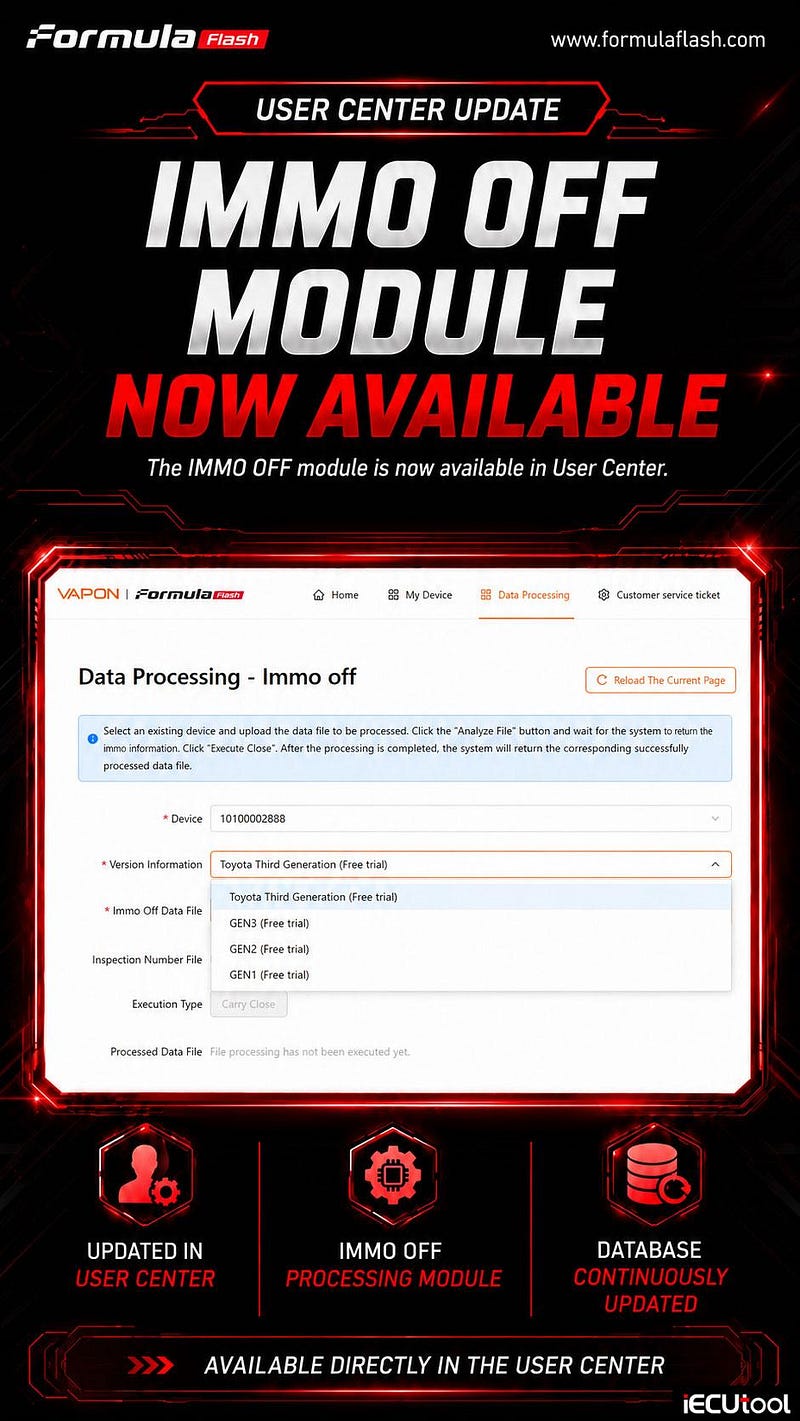
Good new! FormulaFlash ECU programmer IMMO OFF module is now available in User Center directly.
How to use IMMO OFF function in the User Center?
- In User Center, go to Data Processing tab.
- Select IMMO OFF.
- Select an existing device serial number and upload the data file to be processed.
- Click the "Analyze File" button and wait for the system t return the immo information.
- Click "Execute Close".
- After the processing is completed, the system will return the corresponding successfully processed data fi;e.
- Write the modified file back to ECU using FormulaFlash.


Comments
Post a Comment