AutoTuner Update 2.34.2 Introduces Offline Mode
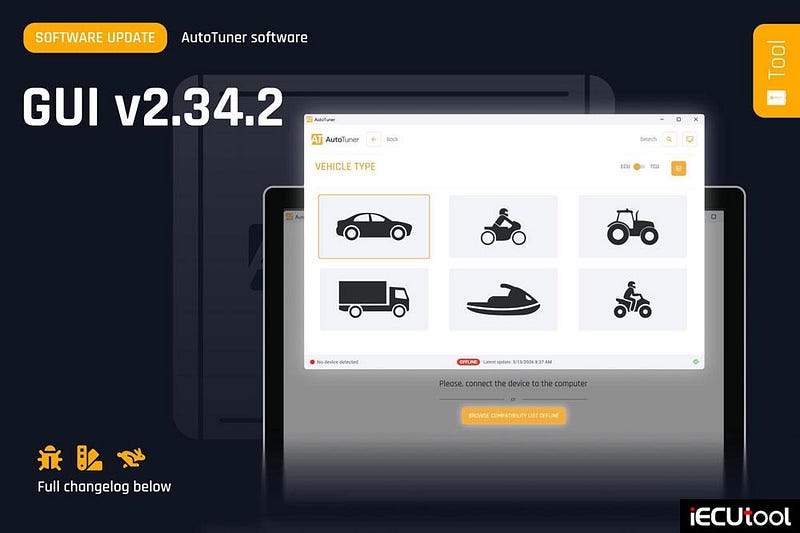
AutoTuner GUI v2.34.2: The highly anticipated "Offline" mode is here!
We are thrilled to announce that the new AutoTuner software (GUI) version 2.34.2 is now available for download! This update brings one of your most requested features, alongside major performance improvements to make your daily workflow smoother than ever.
Browse the complete vehicle list and check compatibilities without needing to plug your Tool into your PC. The perfect solution for answering customer inquiries in a flash!
What’s new in v2.34.2:
- The Highly Anticipated "Offline" Mode (No Tool Required!):
You asked for it, and we delivered! You can now navigate the complete vehicle
list and check compatibilities without having your AutoTuner Tool plugged into
your computer. This is the perfect solution for answering customer inquiries
quickly or preparing your workday without needing your Tool at
hand.
Important note: The application uses the database retrieved during your Tool’s last connection. Any new protocols released after you last unplugged your Tool will not appear in the list until you plug it back in and sync it again. - Massive Stability & Graphical Performance Boosts: We have heavily optimized the software under the hood. You will instantly feel the difference with improved graphical performance, faster response times, and rock-solid stability while navigating the app.
- UI Tweaks & Bug Fixes: We have squashed numerous bugs and refined the User Interface (UI) to provide a cleaner, more consistent, and flawlessly smooth visual experience.
Launch your AutoTuner app today to download the v2.34.2 update and start enjoying these powerful new enhancements!


Comments
Post a Comment