FormulaFlash Guide_ECU Stage 1 Tuning
Here iecutool.eu will show how to perform Stage 1 ECU tuning using FormulaFlash programmer without 3rd party software programs.
Note that not all ECUs support the STAGE 1 function. Please refer to the device software for the specific list of supported ECUs. To use this function, ensure that the software is within its subscription.
ECU Example: Hyundai Kefico ME17.9.21.1 ECU Stage 1 remap
Procedure:
Run Formula Flash software.
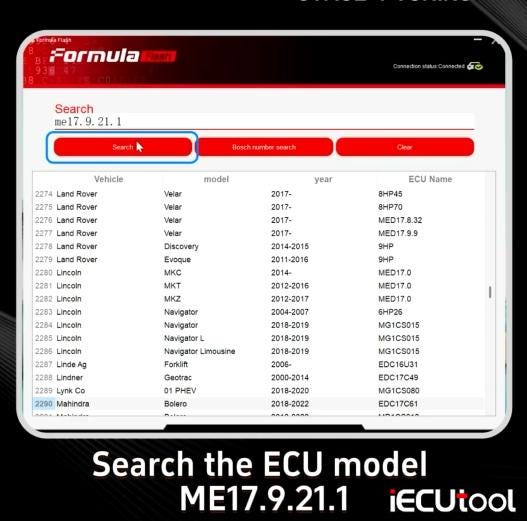
Select Vehicle type and search the ECU model
ME17.9.21.1.
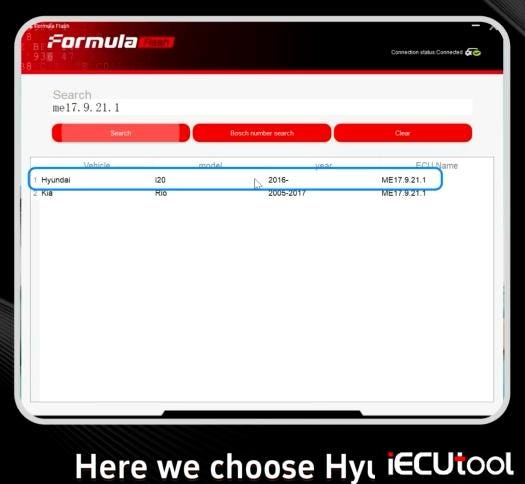
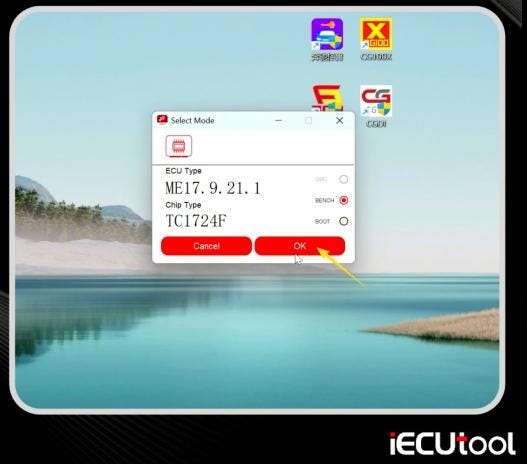
Choose Hyundai and bench mode.
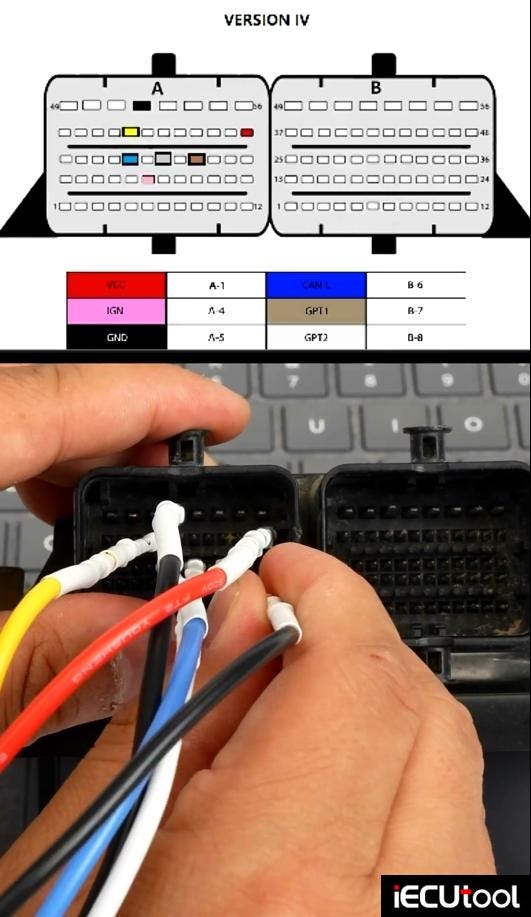
Check the connection diagram.
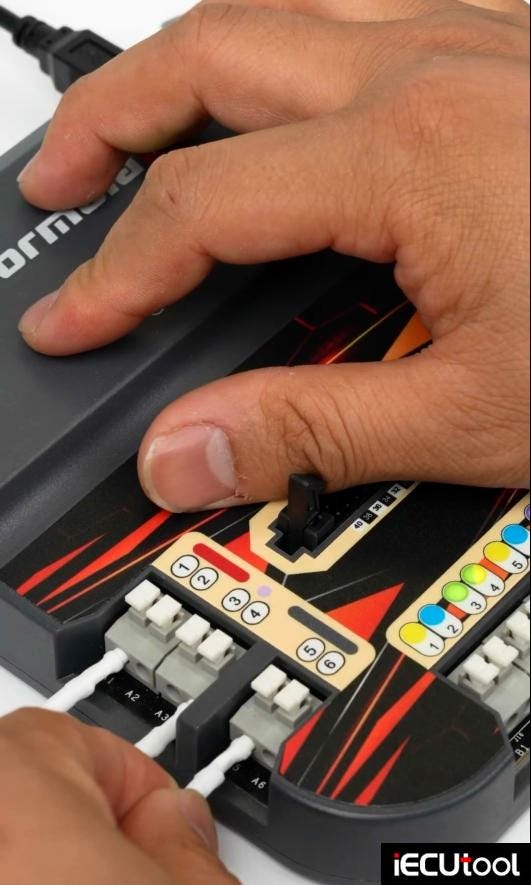
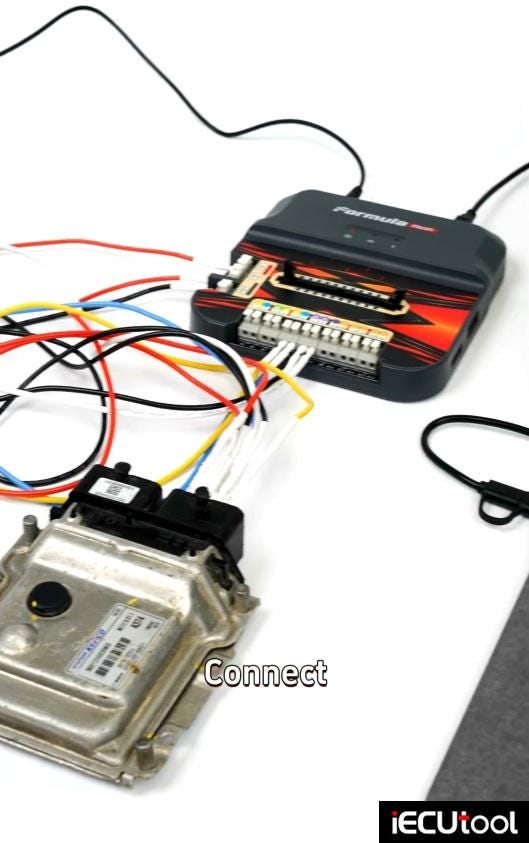
Connect ECU with Formula Flash programmer
according to the wiring diagram.
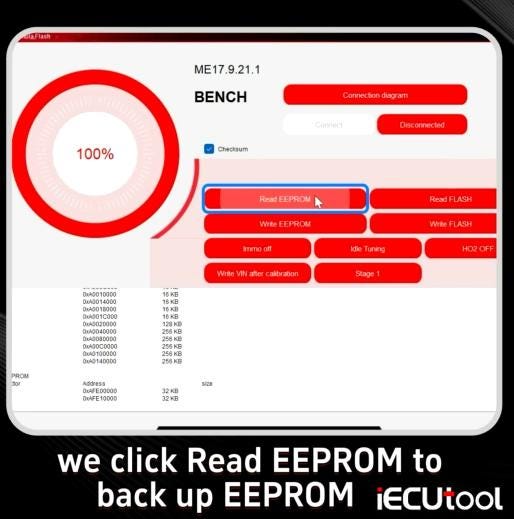
Read EEPROM to back up eeprom file.
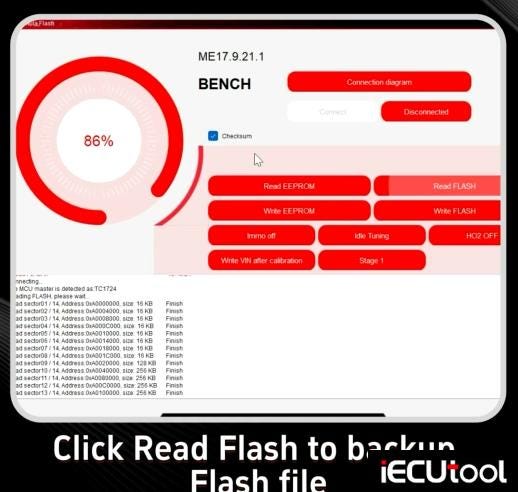
Read Flash to back up Flash file.
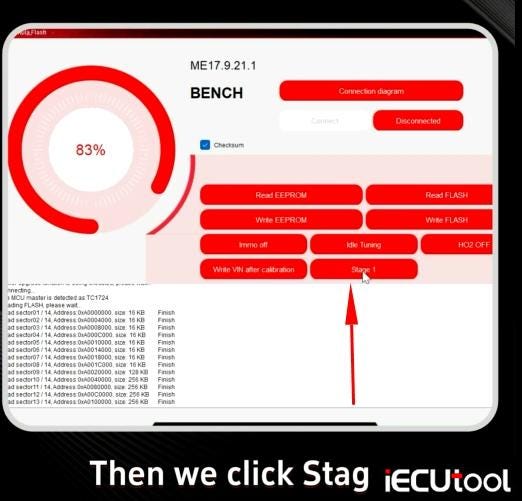
Click Stage 1 function.
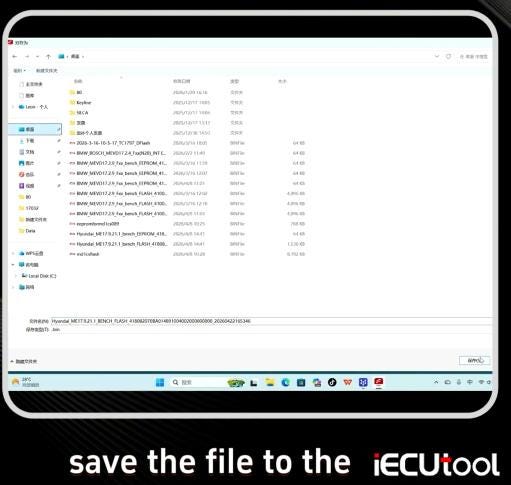
Save Stage 1 file to the desk.
Select Write Flash function.
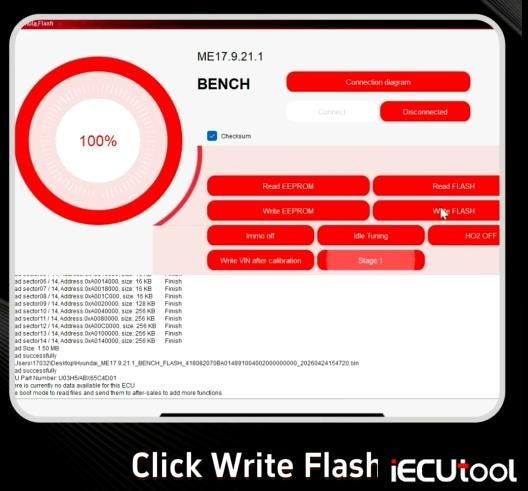
Upload the Stage1 file we just saved.
Then write flash and wait for it to
complete.
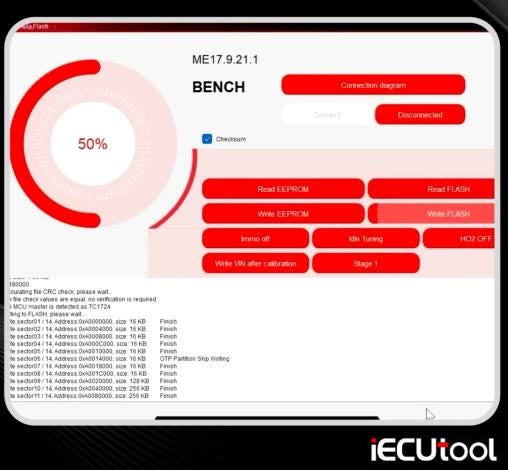
Stage 1 is done.


Comments
Post a Comment