How to Read Geely Easy U2 ECU with FC200 J2534 and PCMFlash?
In the latest software update of the CG FC200 ecu programmer, the J2534 function has been added. We are able to use the FC200 as a J2534 passthru device together with PCM-Flash software. Below, we demonstrate how to use the J2534 function of the FC200.
ECU example: Geely Easy U2.
Note: Like other J2534 devices, when the FC200 J2534 is used with PCM software, it can only be used in OBD mode. BENCH and BOOT modes are not available.
Set up FC200 connection.
Either connect FC200 via vehicle via OBD connector or set up an OBD on bench connection (using bench cable etc).
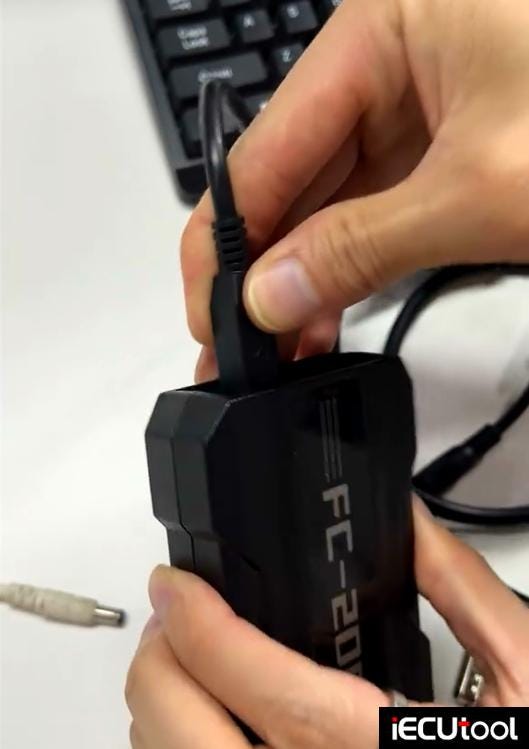

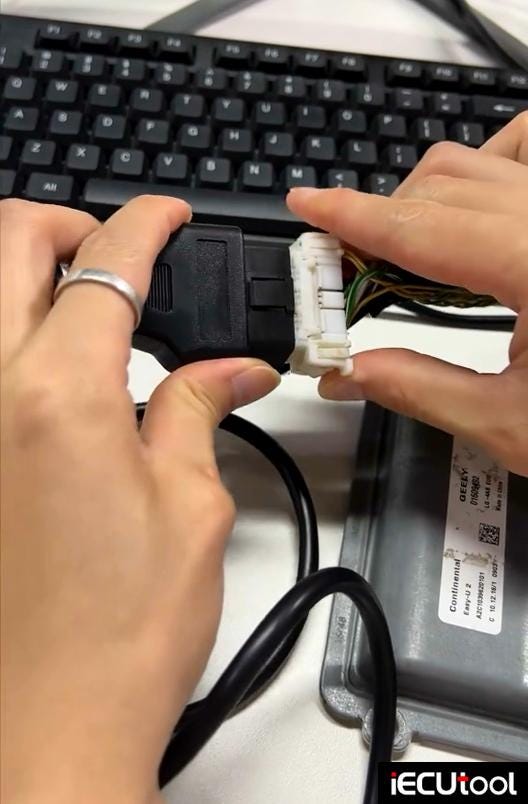
It is very important to connect a 12V power supply to the FC200 unit.
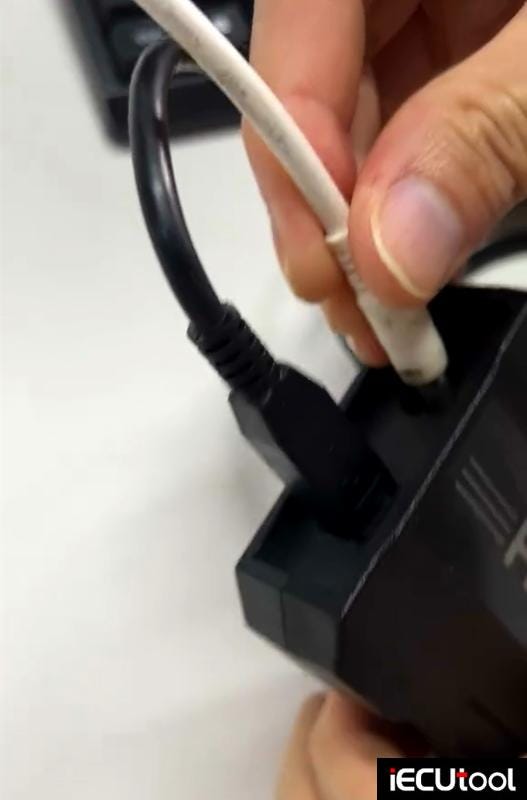
Activate FC200 J2534 switch.
Run PCM software, select interface type as FC200-J2534.
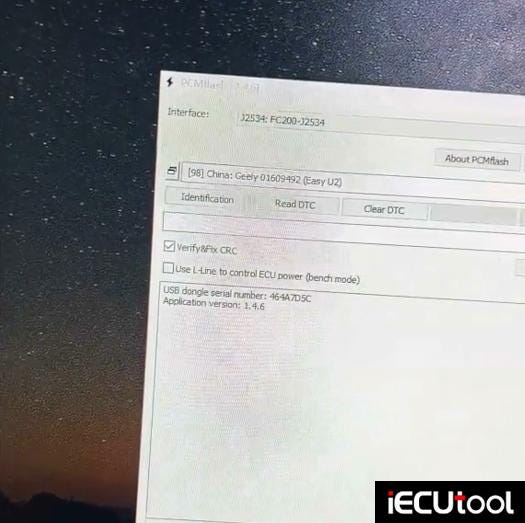
Identify ECU information and read ECU.
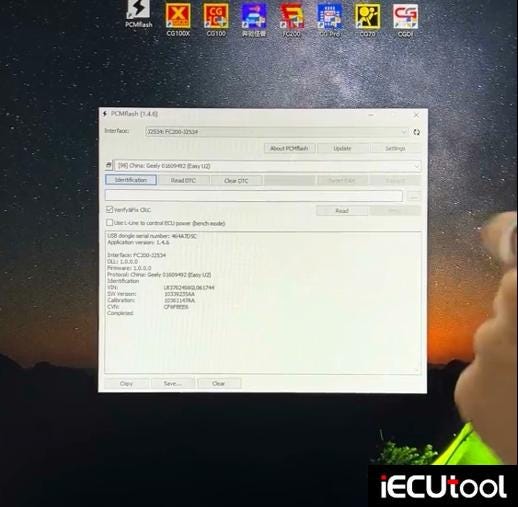
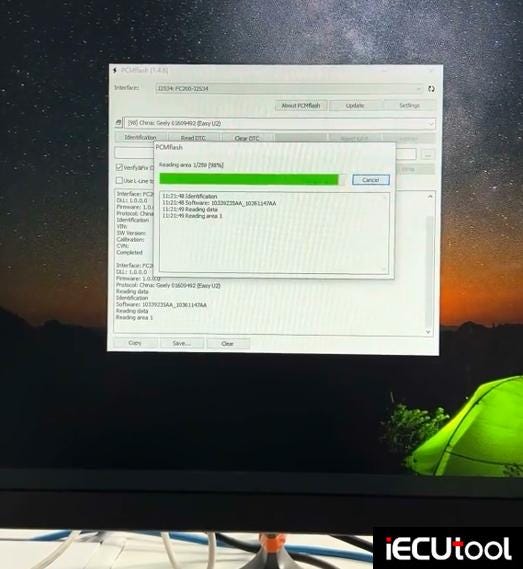
Read Geely Easy U2 ECU successfully.


Comments
Post a Comment