How to Clone Benz VGS4-0-NAG2 Using LAUNCH X431 ECU Programmer
Good news! Launch X431 ECU & TCU programmer new V10.51 version software added Benz VGS4 bench mode without removing the shell as previous version.
Here iecutool.eu will show how to erase/virgin and clone Benz VGS4–0-NAG2 4-speed transmission gearbox TCM on bench mode.
This step-by-step guide helps technicians safely erase transmission control data and prepare the module for programming or replacement.
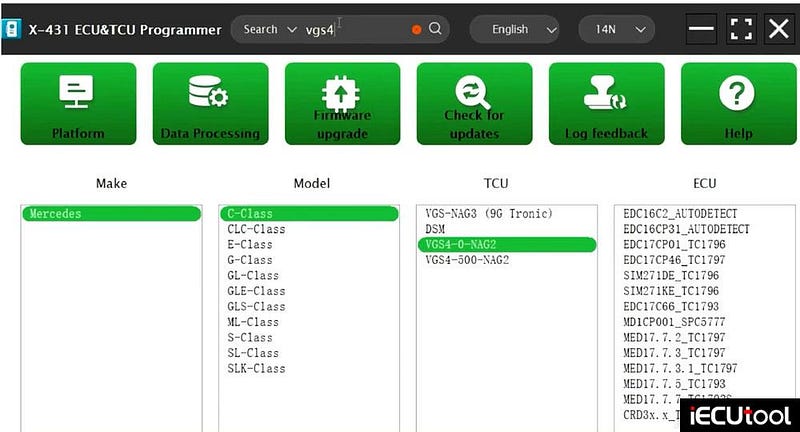
In Launch X431 ECU software, quick search VGS4 and choose C-class-> VGS4–0-NAG2 TCU and Bench mode.
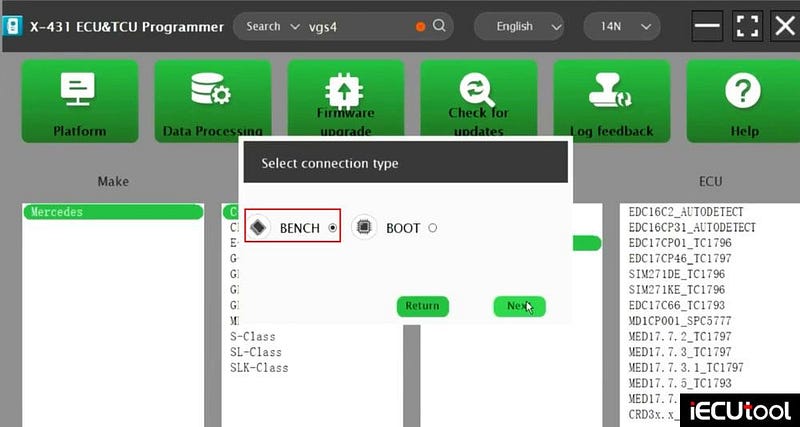
Check the wiring diagram.
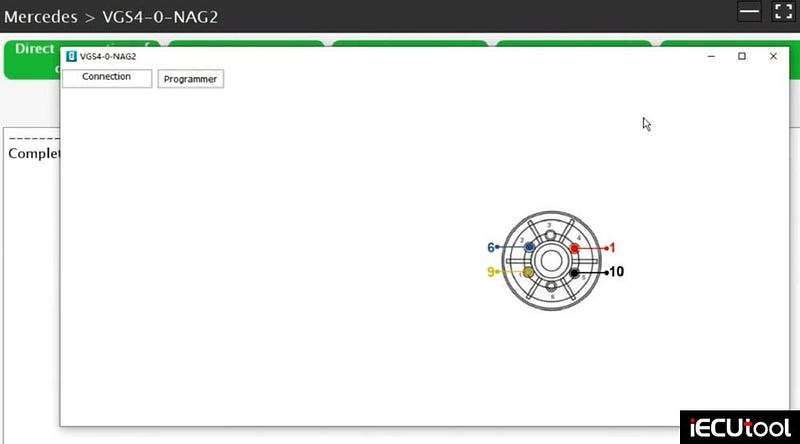
Connect VGS4 TCM with Launch X431 ECU programmer following the diagram or use the Benz solder free gearbox connector.
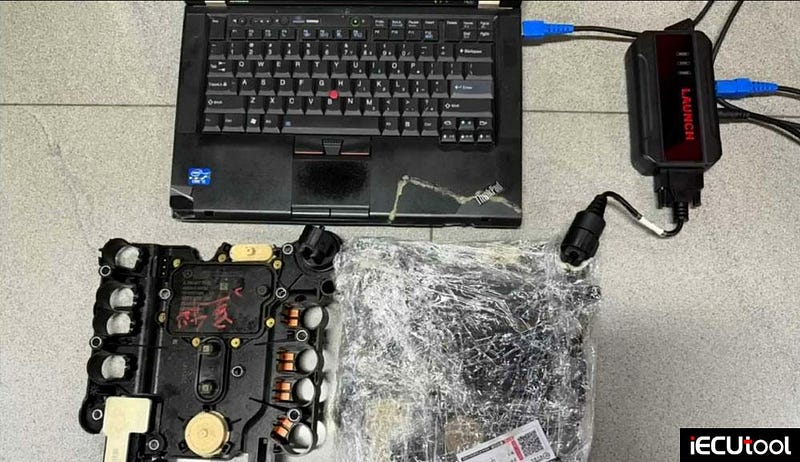
Read TCU informtaion.
Read EEPROM data and save original gearbox data.
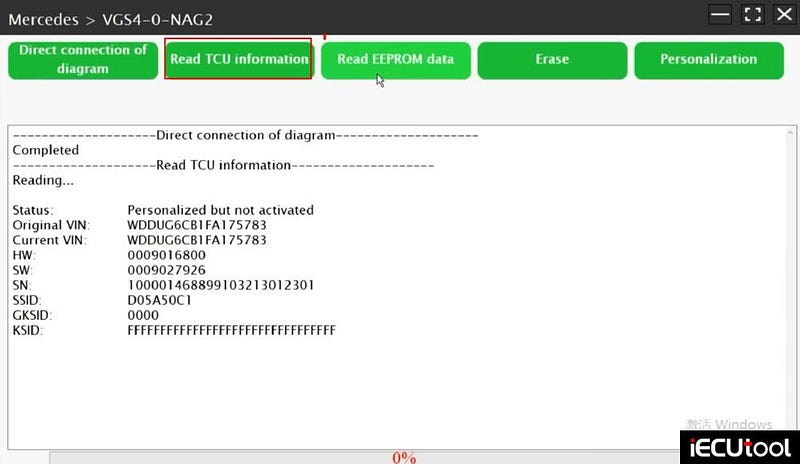

Disconnect original VGS4 TCM.
Change to a new ECU connection to write data.
Connect a donor VGS4 TCM with Launch X431 ECU programmer.
Choose Benz C-class — VGS4–0-NAG2 TCU — Bench mode.
Read ECU info and eeprom data. Back up the eeprom data of the donor TCM.
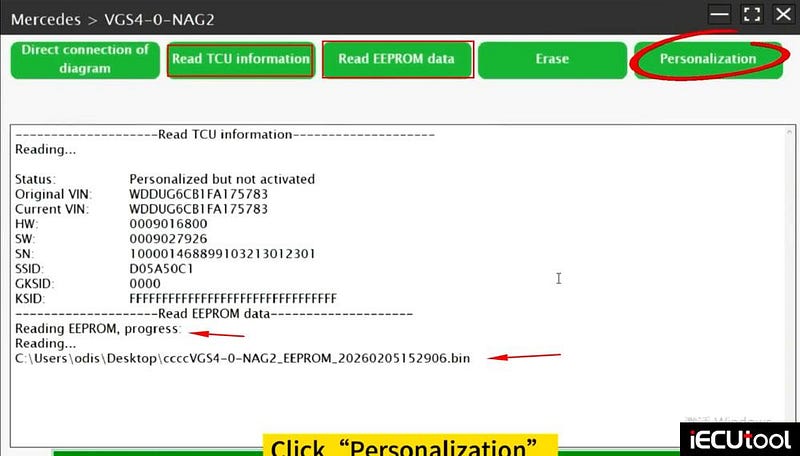
Then select Personalization to write the original data into the new TCU.
Upload original TCU data to write data into new TCM.
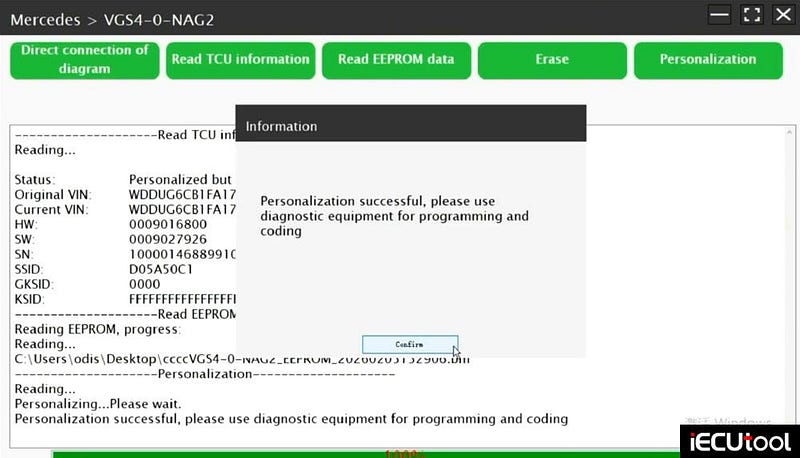
After cloning, you need to perform coding or programming to adapt the TCU to vehicle using MB diagnostic system or pressional diagnostic scanners.


Comments
Post a Comment