How to Read Hyundai DCM7.1AP ECU with FC200 Boot Mode
CGDI released a new DAP adapter that is designed to read both EEPROM and Flash data from Delphi ECUs. Here iecutool.eu will show how to read a Hyundai Delphi DCM7.1AP ECU with CG FC200 programmer and DAP adapter.
Select Hyundai- Delphi DCM7.1AP TC277T ECU and choose boot mode.
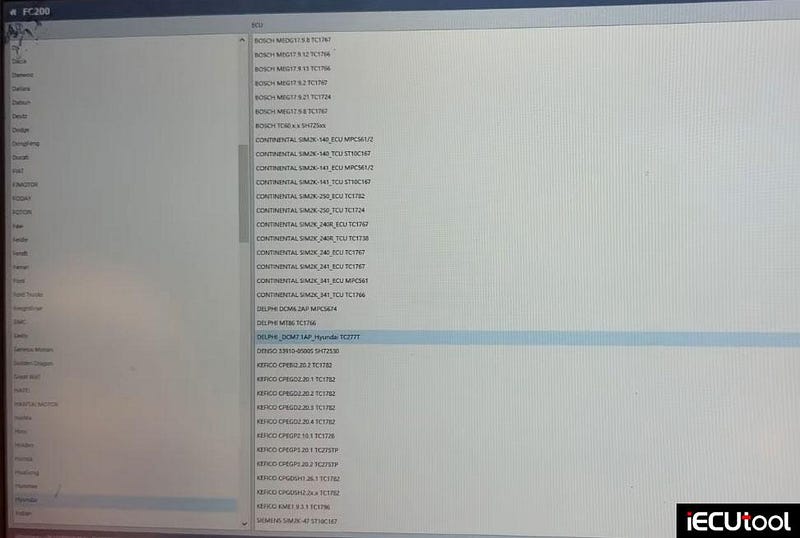
Check wiring diagram.
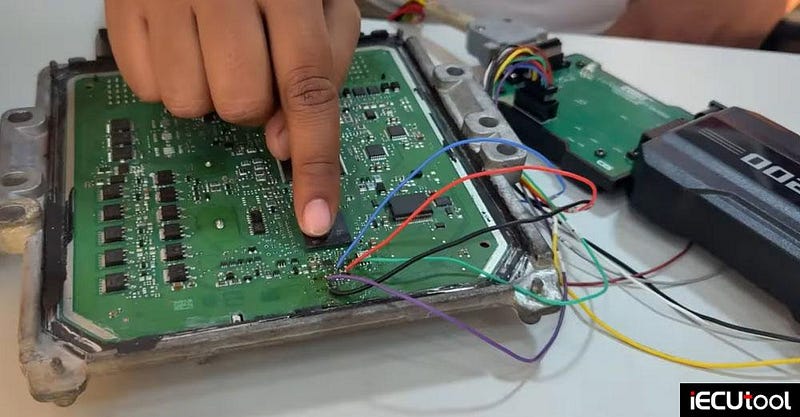
Connection Setup:
5 wires were connected as per the wiring diagram.
A stable 12V power supply was provided.
The DAP adapter successfully connected to the ECU.

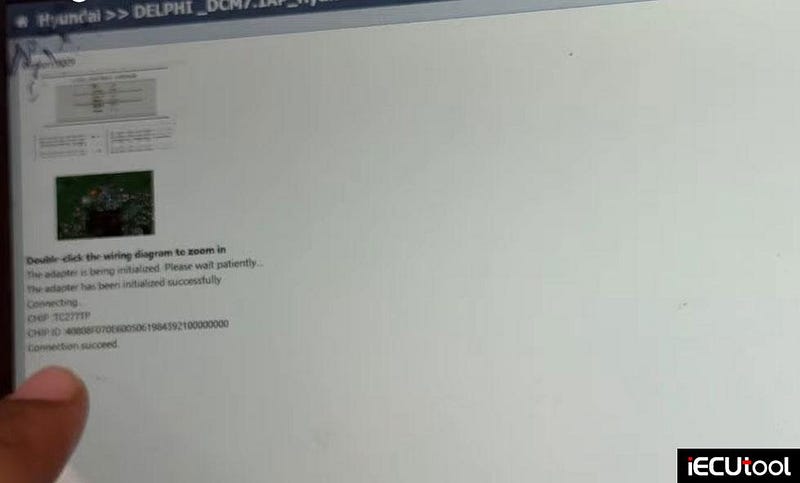
ECU Identification
The FC200 software displayed the ECU ID and confirmed a successful connection.
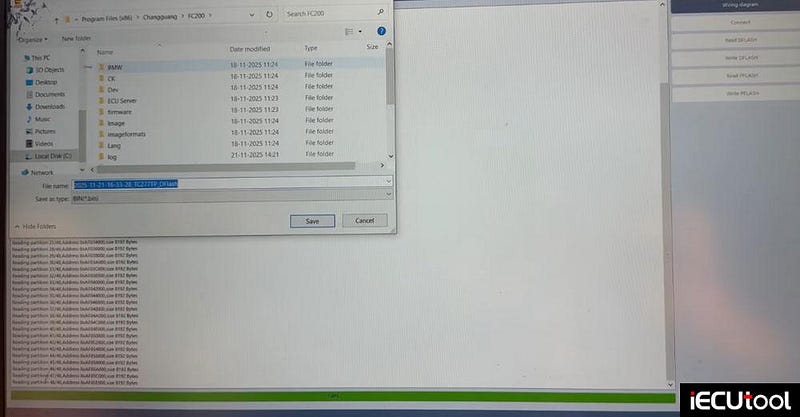
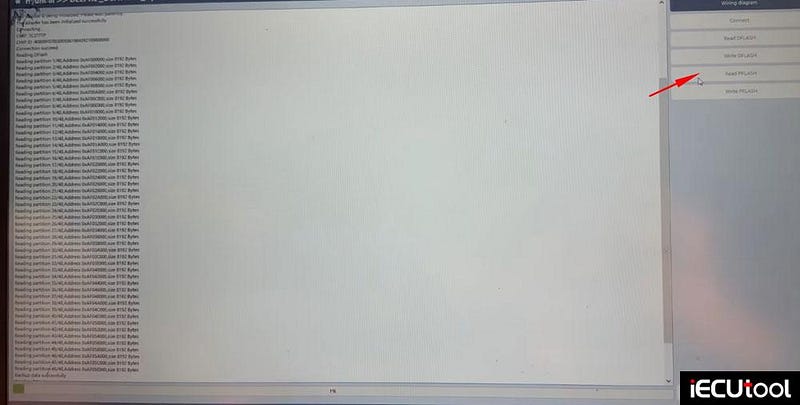
Reading D-Flash (EEPROM)
The adapter read the entire D-Flash memory without errors.
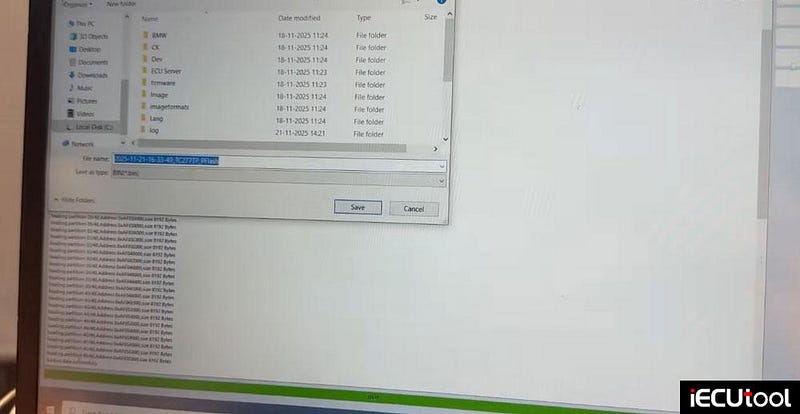
Data was saved to a desktop for backup or cloning.
Reading P-Flash (Flash Memory)
The Flash read process was also completed successfully.
The file was saved and verified.
Why This Matters?
Previously, reading both EEPROM and Flash from Delphi-based ECUs required multiple adapters or complex procedures. The FC200 adapter now provides a single, reliable solution for cloning, tuning, and data recovery. This is especially useful for workshops dealing with Hyundai, Great Wall, and other brands using Delphi ECUs.


Comments
Post a Comment