Foxflash Activation Problem? Change to Win10 64bit or Reinstall
Problem:
After downloading and installing Foxflash software on desktop, running Foxflash and pressing ‘Activate’, the software does not respond. Any solution?
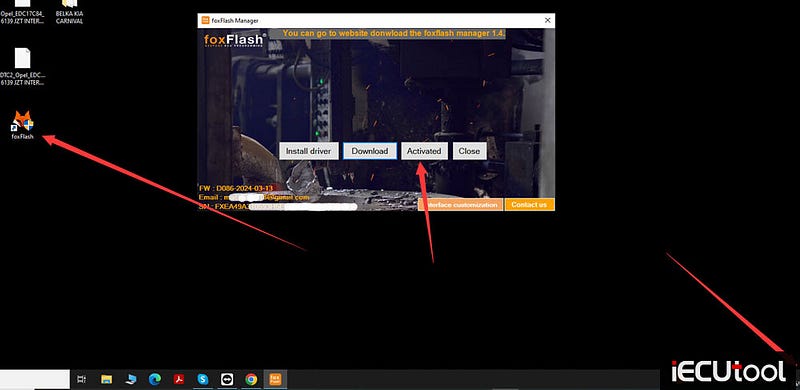
Solution:
The problem is usually caused by the operating system.
Change a laptop, better Win10 64bit system.
If not working, reinstall software and try again.


Comments
Post a Comment